Prepare a Lazada Product Feed From Your Shopify Products

AdNabu’s “Custom Feed” feature sorts your Shopify product data into the product and SKU attributes Lazada works with, giving every Lazada listing a cleaner starting point.

Bring Your Shopify Products to Lazada’s Shoppers

As of April 2026, Lazada says it links about 160 million active users with more than one million actively selling sellers each month. Sell on Lazada in Indonesia, Malaysia, the Philippines, Singapore, Thailand, and Vietnam with the catalog you already maintain in Shopify.

Built For Shopify

Split Your Shopify Data Into Lazada Product and SKU Attributes

  • Lazada creates products only in leaf categories, the deepest level of its category tree, and each category carries its own attribute list. Keep the leaf category ID in a Shopify metafield and map it to PrimaryCategory.
  • Map your Shopify title to name and your vendor to brand, using a brand that already exists in Lazada’s system or No Brand for unbranded goods. Fill short_description, which shoppers see as Highlights, from a metafield of key selling points.
  • Give each variant its own SellerSku, price, quantity, and barcode_ean, and send options through sale properties such as color_family, which Lazada always treats as mandatory.
  • Add package_weight, package_length, package_width, and package_height for every SKU, along with package_content to describe what’s in the box.

Rewrite Lazada Product Copy in Bulk With AdNabu AI

  • AdNabu AI, built on the latest GPT models, rewrites titles and descriptions, and you can map the new versions to Lazada’s name and description attributes as AdNabu fields.
  • Leave Automated AdNabu AI running so product data keeps improving in the background, within the AI credits your plan includes.
  • Compare Google Keyword Planner suggestions country by country, since shoppers in Manila and Kuala Lumpur may describe the same product in different words.
  • Bulk edit titles, descriptions, and product types across an entire collection before your next Lazada upload.
Advertise Globally With Localized Feeds
Advanced Feed Optimization

Bring Your Feed Into Lazada Seller Center

  • Seller Center handles bulk listing under Manage Products, Bulk Manage, then Bulk Add, with a Basic Template or an Advanced Template that covers up to 20 leaf categories at once.
  • Fill that template from your AdNabu XML feed URL or downloaded XML file with a spreadsheet tool, so the columns start out populated with Shopify data.
  • Multichannel tools that work with the Lazada Open Platform API can create products once you authorize them, so ask yours whether it can import an XML feed. Through the API, images generally need to be migrated onto Lazada’s own servers first, a step these tools usually take care of.
  • Open See Upload History after each upload, where a red X marks a file you can download, correct, and upload again. Sync AdNabu after Shopify edits so your next template begins with current data.

Grow Visibility With Lazada Sponsored Solutions

  • Sponsored Discovery, a pay per click format, lifts your products in Lazada’s search results and recommendation placements.
  • Sponsored Affiliate draws on Lazada’s network of affiliate publishers and KOLs to bring in buyers from outside the platform.
  • Sponsored Max uses AI driven bidding to spread your budget across Lazada’s traffic in pursuit of a target return, while Sponsored Display focuses on banner style placements for brand awareness.
  • You manage these campaigns in Lazada’s Sponsored Solutions Center, separately from AdNabu.
Seamless Shopify-Native Data Support
Up-to-date Feeds for TikTok

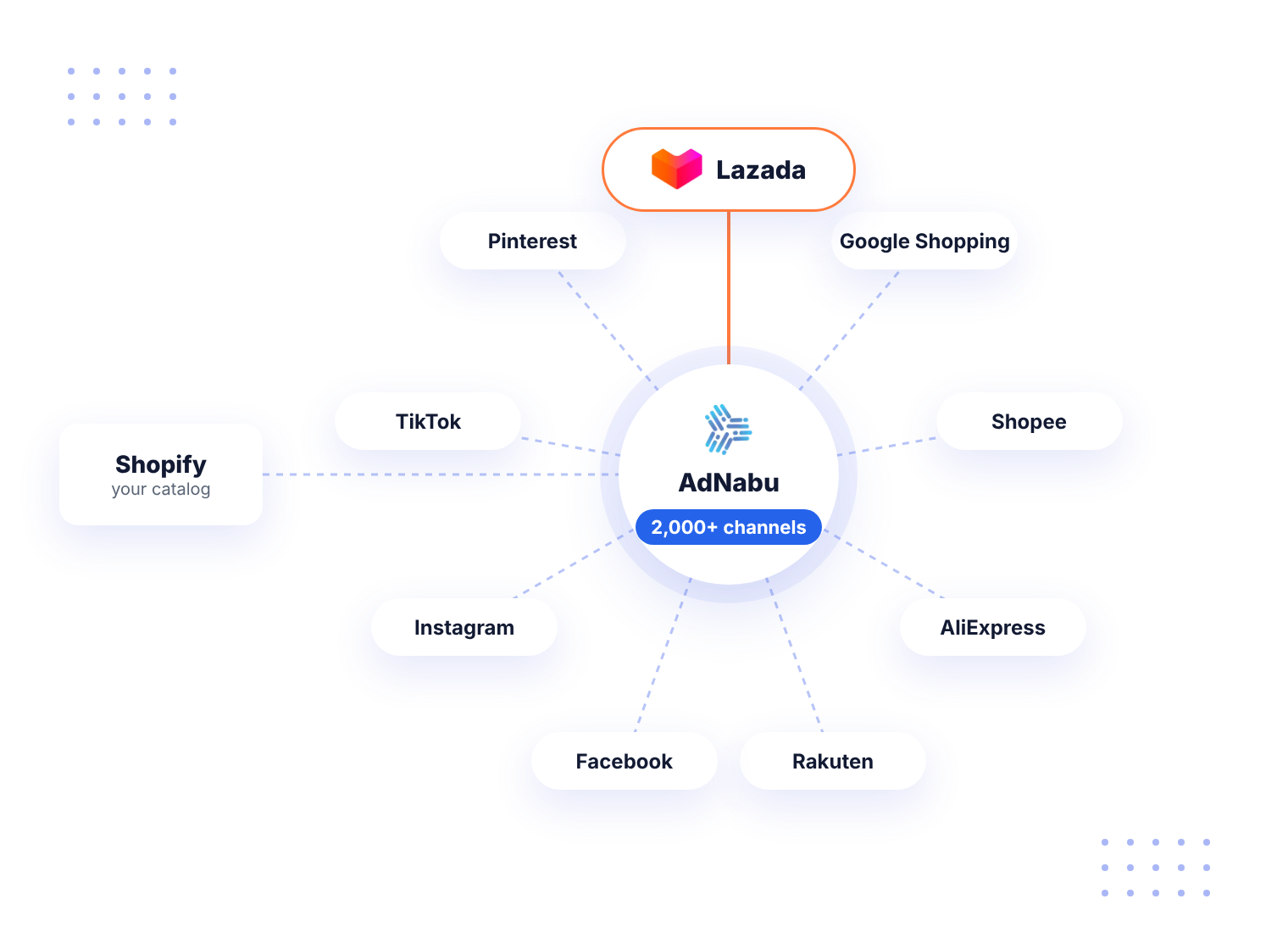
Expand From Lazada to Google Shopping and 2,000+ Channels Across Regions

  • Keep Google Merchant Center in step with your Shopify catalog for Shopping ads and free listings, right beside your Lazada feed.
  • Cover more of Asia with feeds for Shopee, AliExpress, and Rakuten, and reach social shoppers through Facebook, Instagram, TikTok, and Pinterest.
  • Reuse the AI edits and metafields you prepared for Lazada in every other feed, so each new channel starts from work you’ve already done.
  • Rely on an app that Shopify reviewed for performance, design, and merchant helpfulness before awarding it the “Built for Shopify” badge.
HAPPY CUSTOMERS

See why our customers love us.

Stars

Easy to setup!

So far the app has been incredible easy to setup and customer service superb. This will make so much difference to our advertising abroad!

Le Club

Canada
Stars

The Absolute Best!

They went above and beyond to get my product listed and running on Google. I have tried for years and no one could help me, until I got the Adnabu app!

Millevita

Australia
Stars

Great App!

Able to change title listing is a major plus to help with SEO on Google Shopping, much better than the native shopify integration!

United States

Blade-Tech Holsters

Stars

24/7 for support!

What an amazing team of people at this company. It seems as if there are around 24/7 for support! Great app, great support, and great documentation which helps a lot.a placeholder text to demonstrate the visual.

Classic Horror Shop

United States
Stars

Really nice job!

I've been using the app for a while now and I still love its simplicity. Thanks to the app, I was able to get all my products approved. The app saved me a lot of time and, above all, nerves. Really nice job!

RoTe Place

Australia

Frequently Asked Questions

Start Selling Your Shopify Range on Lazada

Install AdNabu, set up your Lazada fields once, and keep that setup ready for every new product you add to your store.