Sell on Whatnot With a Product Feed Built From Shopify

AdNabu’s “Custom Feed” feature helps you customize your Shopify product data as per Whatnot's product data requirements, so that you can easily get your listing details in order before you market them on Whatnot.

Bring Your Shopify Inventory to Whatnot’s Live Shopping Audience

Whatnot sellers drove $8 billion in live sales in 2025, according to the company’s 2026 State of Live Selling Report. Put your catalog in front of buyers who shop through live shows and Buy It Now listings.

Built For Shopify

Map Shopify Data to Whatnot Listing Fields

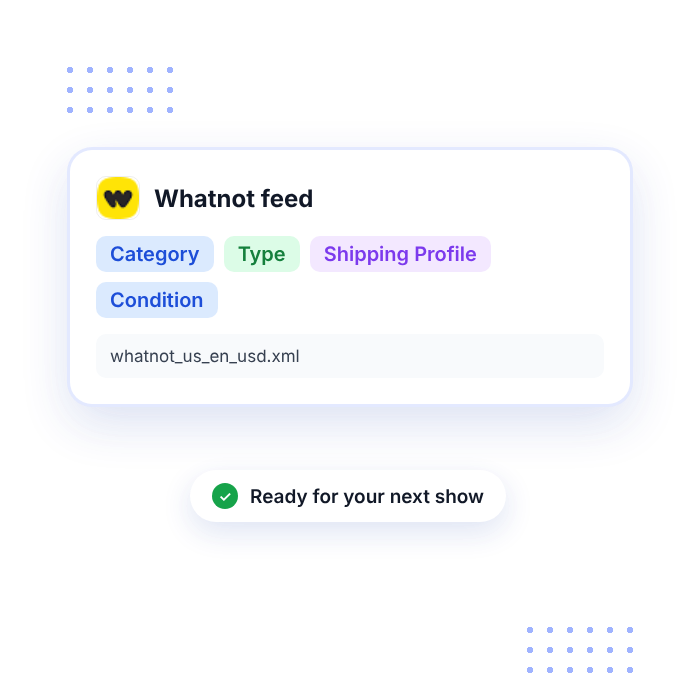
  • Pick a Category and Sub Category from Whatnot’s approved list for every product, and store them in Shopify metafields with the exact spelling Whatnot uses, since mismatched values can cause import errors.
  • Choose the selling format in the Type column, such as Auction for items you plan to sell during a show or Buy It Now for items listed in your shop.
  • Map your Shopify title, description, price, and inventory quantity, then assign a Shipping Profile and, where the category asks for it, a Condition.
  • Include your Shopify SKU and cost per item. Whatnot prints SKUs on packing slips and uses them to match listings during bulk updates, while cost stays private to you and shows per item profit in your Weekly Orders Report.

Make Whatnot Listings Easier to Find With AdNabu AI

  • Give product titles and descriptions a clearer, more searchable voice with AdNabu’s AI, powered by the latest GPT models, and add the results to your Whatnot feed as AdNabu fields.
  • Keep Automated AdNabu AI on to refine product data automatically, drawing from your allocated AI credits.
  • Check Google Keyword Planner suggestions to find the terms collectors and shoppers commonly search for, then work them into titles and descriptions across your feed.
  • Change attributes for whole groups of products and variants with bulk editing, then pass the edits into your Whatnot feed.
Advertise Globally With Localized Feeds
Advanced Feed Optimization

Move Your Feed Into Whatnot’s Bulk Listing Flow

  • Whatnot supports bulk listings through CSV import in Seller Hub, using a template matched to your account, with products arriving as drafts you can publish or add to a show.
  • Convert your AdNabu XML feed URL or downloaded XML file into Whatnot’s CSV template with a feed management platform or spreadsheet tool, then upload it.
  • Sync the feed in AdNabu after Shopify price or stock changes, so the next file you build reflects current data.
  • Adjust your mapping as you expand into new categories, since approved values can differ between them.

Draw More Viewers With Whatnot Promote Tools

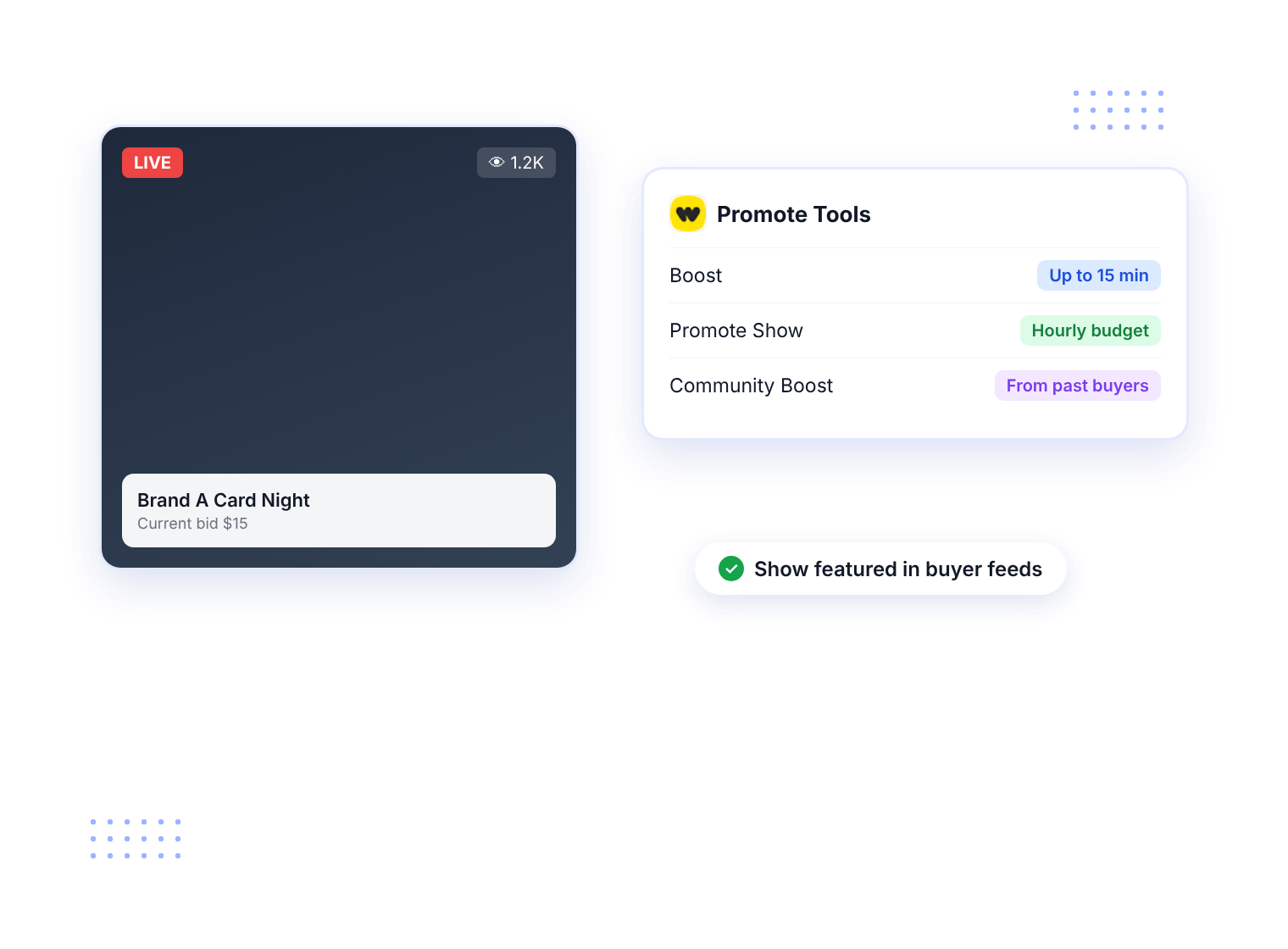
  • Use Boost to raise a show’s visibility for a short window, which can help spotlight special moments while you are live.
  • Choose Promote Show to lift your livestream in buyer feeds for its full length, with an hourly budget you set.
  • Community Boost lets past buyers chip in toward a promotional boost for your show.
  • Promote Tools are generally available to sellers in the US, Canada, and the UK, and campaigns run inside Whatnot, separately from AdNabu.
Seamless Shopify-Native Data Support
Up-to-date Feeds for TikTok

Manage Whatnot, Google Shopping, and 2,000+ Channels Around the World in One Place

  • Create custom feeds for more than 2,000 marketplaces and sales channels, each mapped to the fields it needs.
  • Keep Google Merchant Center synced while separate feeds support Whatnot, eBay, Etsy, and other marketplaces.
  • Handle Bing, Facebook, Instagram, TikTok, Pinterest, Snapchat, and X feeds without switching apps.
  • AdNabu has earned Shopify’s “Built for Shopify” status, reserved for apps that meet its standards for performance, design, and merchant helpfulness.
HAPPY CUSTOMERS

See why our customers love us.

Stars

Easy to setup!

So far the app has been incredible easy to setup and customer service superb. This will make so much difference to our advertising abroad!

Le Club

Canada
Stars

The Absolute Best!

They went above and beyond to get my product listed and running on Google. I have tried for years and no one could help me, until I got the Adnabu app!

Millevita

Australia
Stars

Great App!

Able to change title listing is a major plus to help with SEO on Google Shopping, much better than the native shopify integration!

United States

Blade-Tech Holsters

Stars

24/7 for support!

What an amazing team of people at this company. It seems as if there are around 24/7 for support! Great app, great support, and great documentation which helps a lot.a placeholder text to demonstrate the visual.

Classic Horror Shop

United States
Stars

Really nice job!

I've been using the app for a while now and I still love its simplicity. Thanks to the app, I was able to get all my products approved. The app saved me a lot of time and, above all, nerves. Really nice job!

RoTe Place

Australia

Frequently Asked Questions

Turn Your Catalog Into Your Next Live Show

Install AdNabu, organize your first Whatnot feed, and spend less time preparing listings before you go live.