
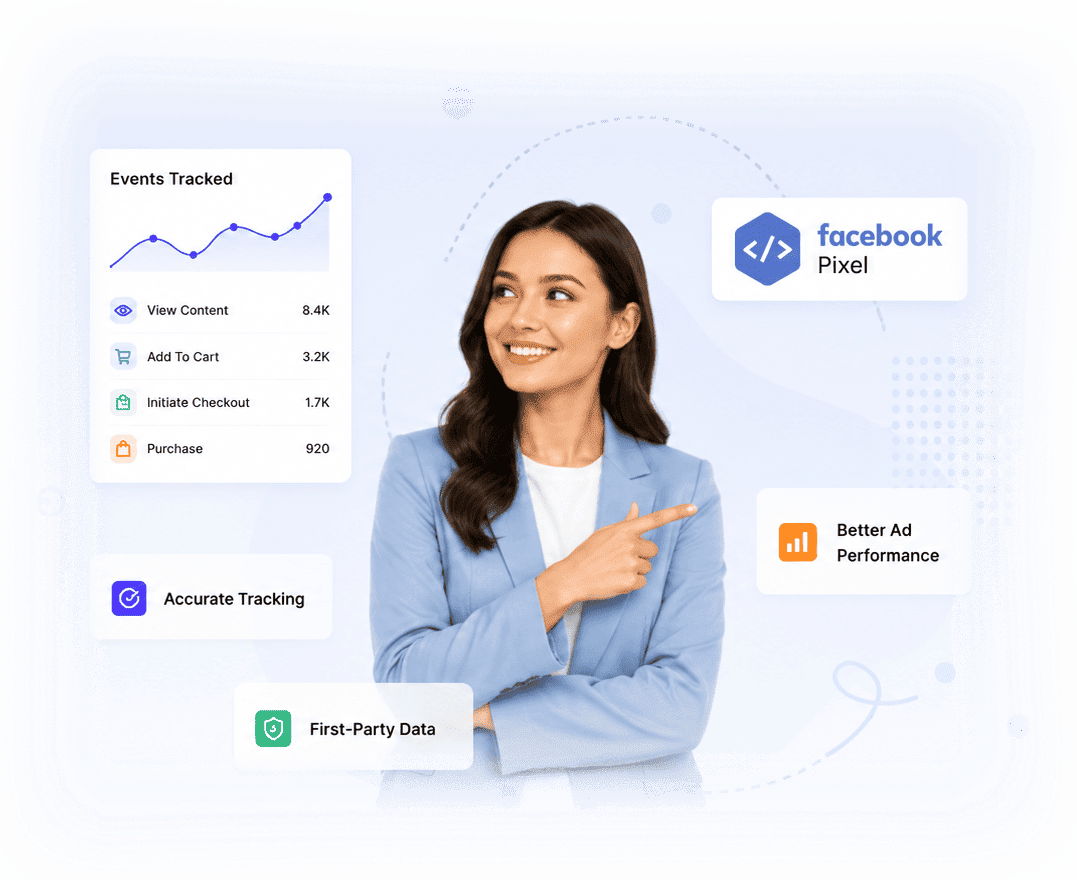
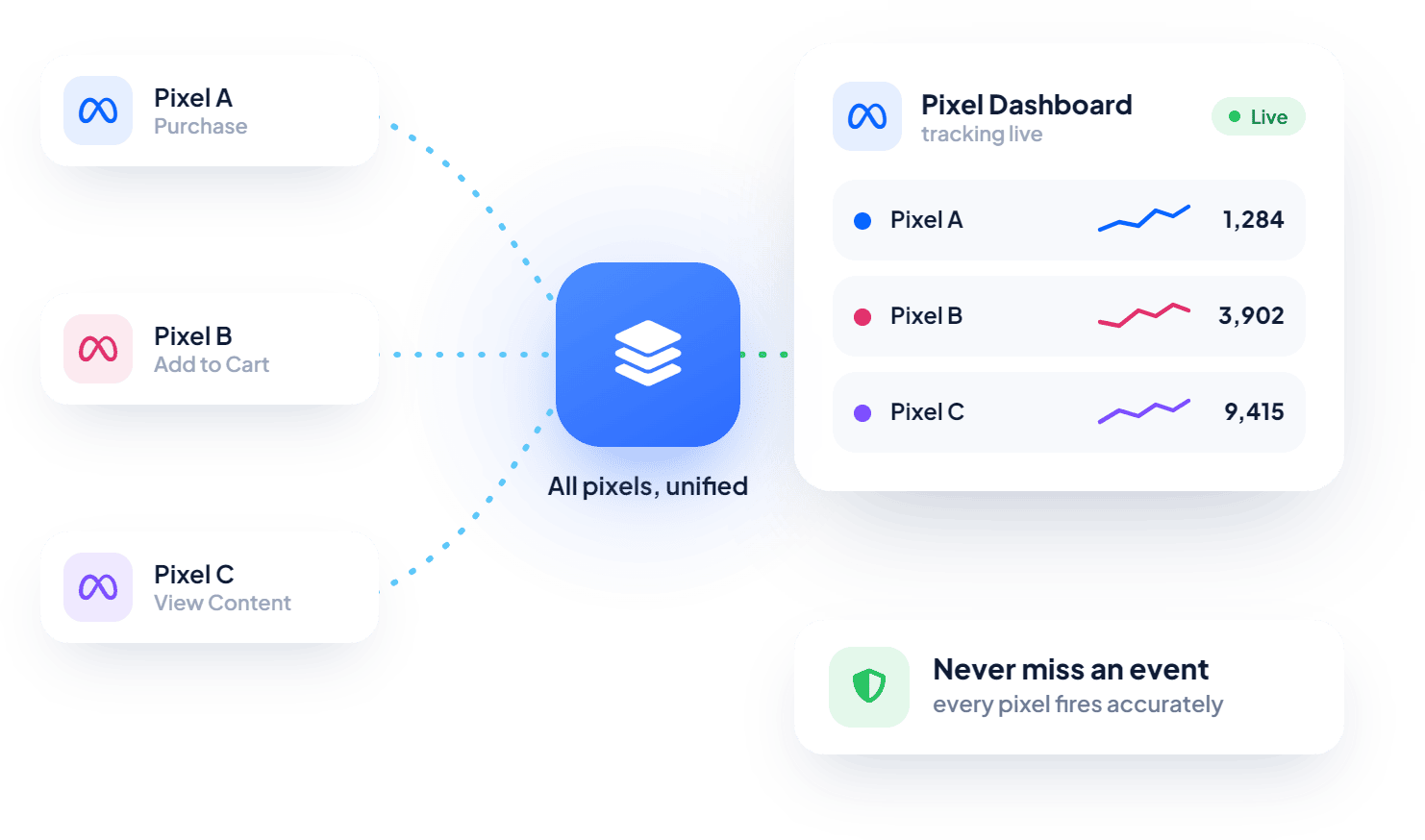
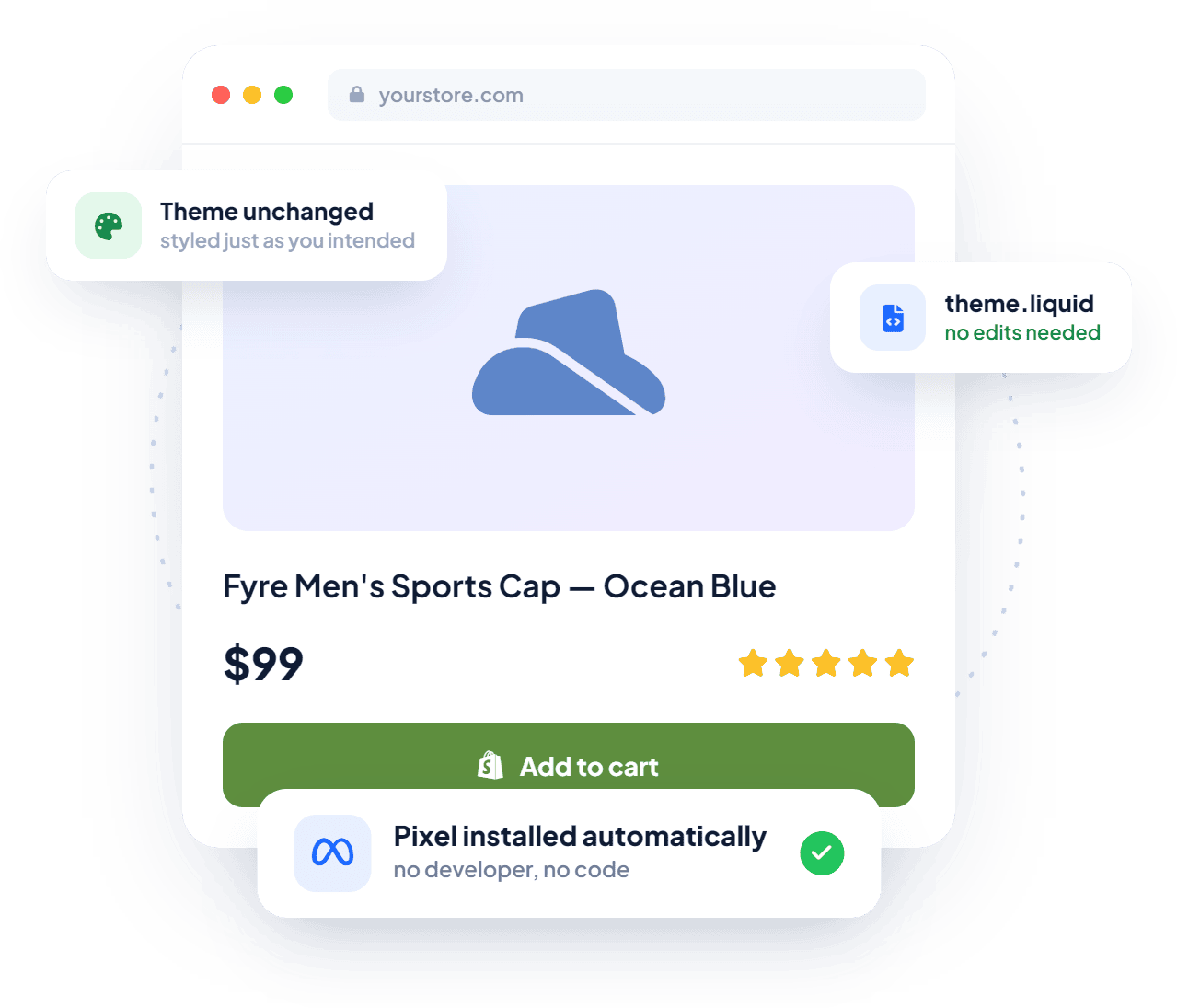
Add unlimited Meta pixels, choose the events each one tracks, and send them from your server as well as the browser with AdNabu's "Built for Shopify" certified Shopify Facebook pixel app. No pixel code to paste and no theme files to edit.


A Facebook pixel that looks installed is not the same as a pixel sending complete data. Meta still optimizes your campaigns on whatever arrives, so those gaps quietly shape your targeting, your reporting, and the audiences you build from both.
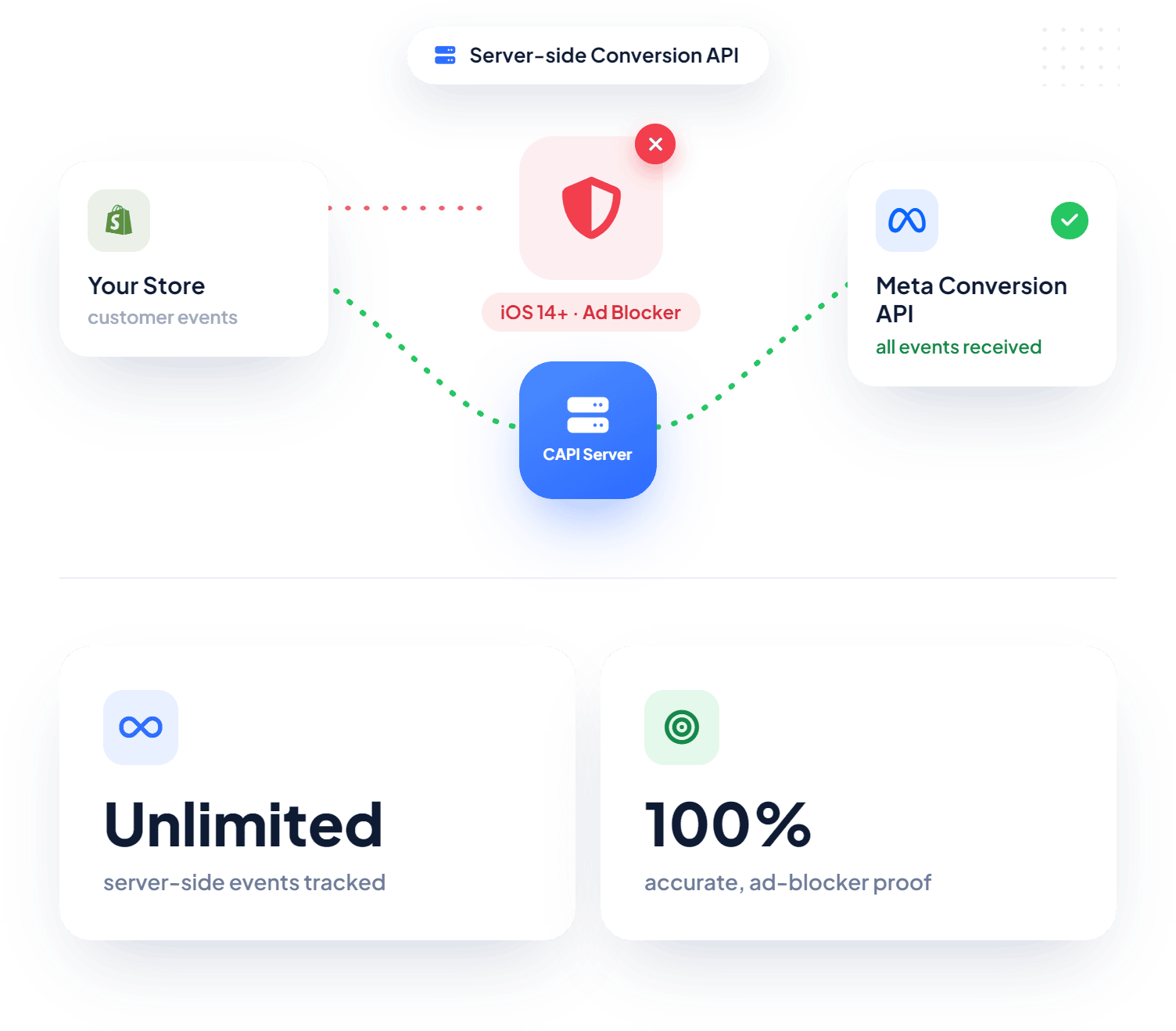
Ad blockers, Safari and Firefox tracking prevention, and iOS restrictions can stop a browser pixel from firing at all. The sale may still happen, but the browser event might never reach Meta.
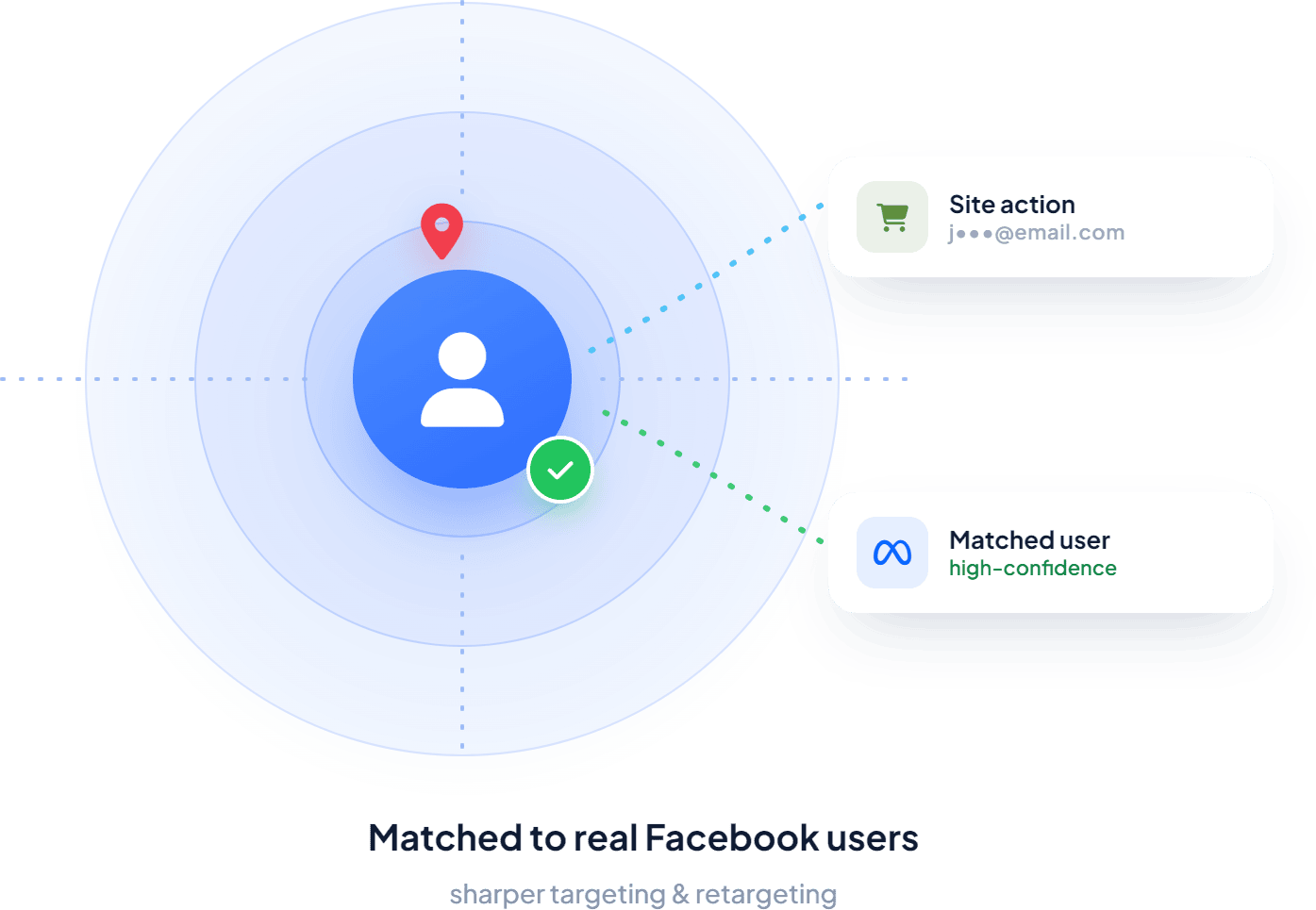
Meta's Event Match Quality measures how effectively customer information helps match events to Meta accounts. Missing customer identifiers can reduce match quality and limit the data available for ad targeting and attribution.
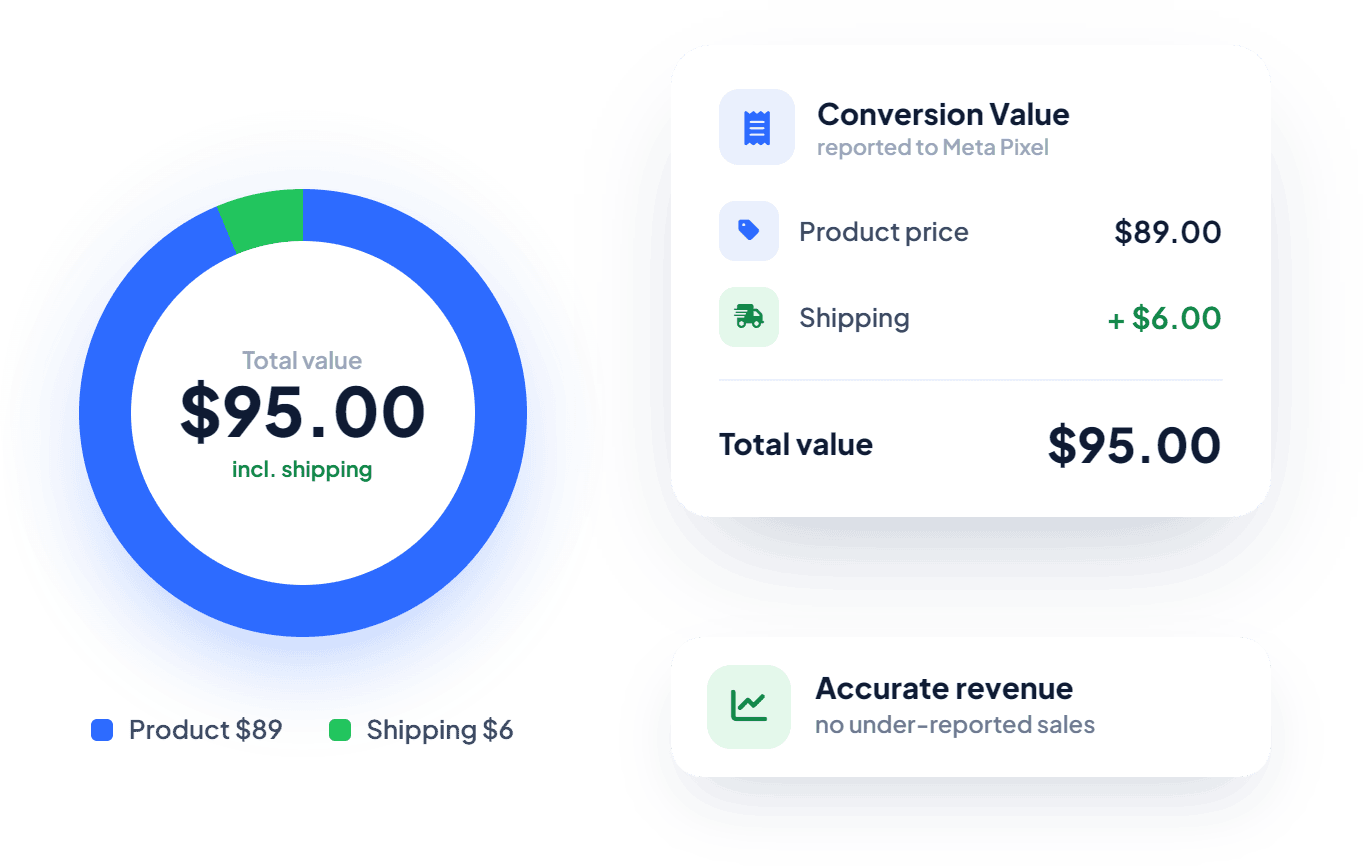
Post-purchase upsells can create tracking gaps when the pixel integration does not capture their additional order value.
Meta reporting alone cannot always tell you which link or campaign brought a buyer in, which makes it hard to judge where the next slice of budget should go.
Nabu for Facebook Pixel helps address these tracking gaps from one dashboard inside your Shopify admin.
A Facebook pixel is a small piece of tracking code that records what shoppers do on your store, such as viewing a product, adding it to the cart, starting checkout, or buying. Each action is sent to Meta as an event, and Meta uses those events to attribute conversions, build audiences, and decide who sees your ads next.
That worked cleanly while every event could travel through the visitor's browser. Today, browser restrictions can prevent some events from reaching Meta. Combining browser and server-side tracking helps recover those signals.
Browser pixel: Fires in the shopper's browser as they move through your store. It is immediate and carries the identifiers Meta uses to recognize a returning visitor, but it is also the route that ad blockers and privacy settings interrupt.
Conversions API: Sends events directly from a server, reducing dependence on browser tracking and helping recover signals blocked by browser restrictions.
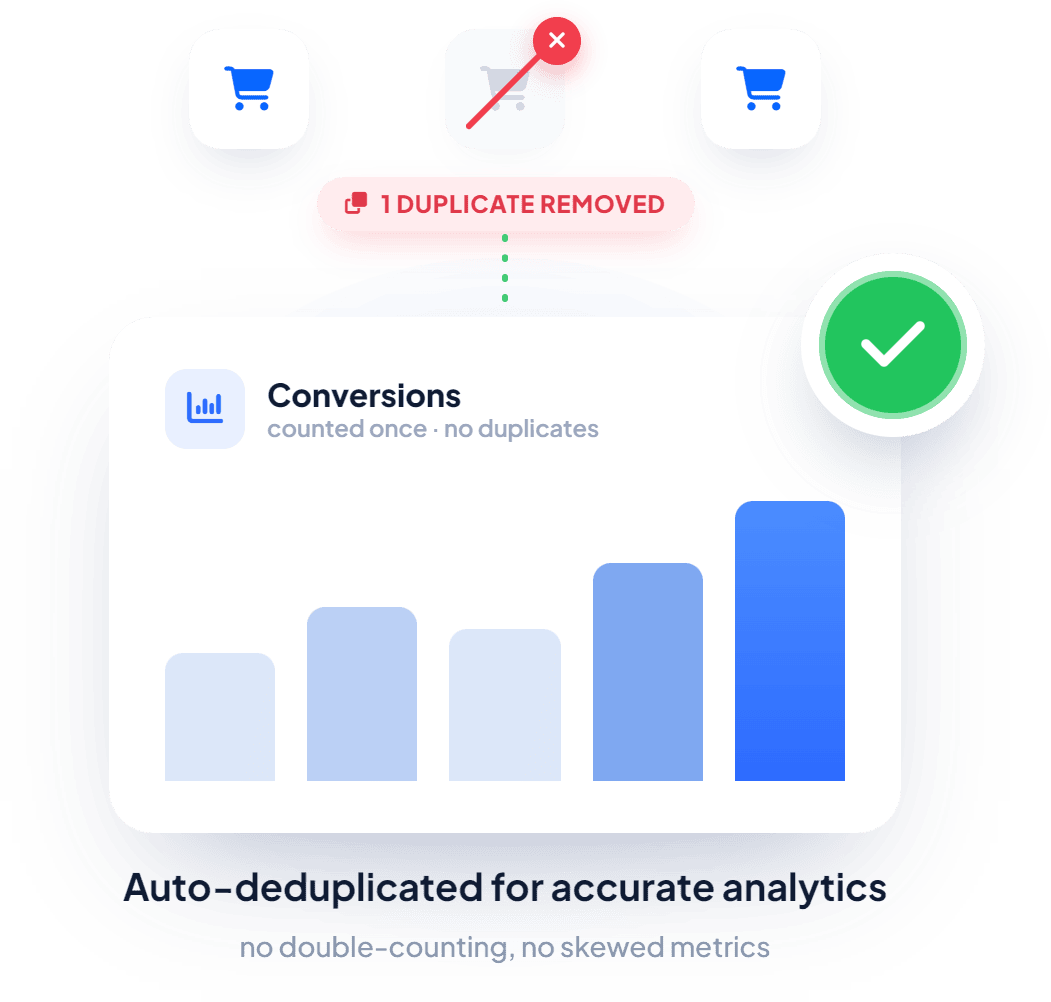
AdNabu's Facebook Pixel app runs both routes against the same pixel ID and sends matching event names and IDs, so Meta pairs them up and counts each action once.
Shopify's native Facebook and Instagram channel connects a Meta pixel and tracks standard events, including purchases. Nabu offers additional controls for managing multiple pixels, selecting events, tracking post-purchase upsells, and building audiences directly from Shopify. Here's how the two compare:
Shopify's native integration covers essential event tracking. Nabu gives growing stores more control over pixel configurations, campaign data, and advanced tracking workflows.
Everything happens inside the app, and the whole flow is three decisions deep.
Log in with the Meta business account that holds the pixels you want to track, then pick the account and the pixel from the dropdown. If you do not have one yet, our app’s Create Pixel option can help. Accept the pixel terms and conditions in your Event Manager first, because an unaccepted agreement will usually throw an error here.
This one is optional, though most stores want it. Entering your Conversion API token switches on server side tracking, which keeps conversions accurate on devices running iOS 14 and above. The Visit Event Manager button takes you straight to the token if you need to fetch it.
The app embed block is mandatory. Click Go to theme, turn the embed on, save your theme settings, then confirm it is enabled. After that, choose the events you want to monitor from Page View, View Content, Add to Cart, View Cart, Initiate Checkout, Add Payment Info, Purchase and Search, and click Done.
No access to a Facebook account? Choose Manually Add Pixel instead, give the pixel any name that suits your tracking, and enter its ID. The three steps after that are identical, so you end up in the same place.
Bottom line: Once you click Done, the pixel is live and tracking on your store.
Those gaps cost some stores very little and others a great deal. These are the situations where merchants usually notice the difference first.
The more budget runs through Meta, the more a handful of missing Purchase events distorts your reported return. Sending events from the server keeps the numbers your bidding relies on closer to what actually happened.
Paste the script we generate into your Shopify checkout settings once, and upsell orders are reported alongside the original purchase instead of quietly dropping out of your results.
Pixels can be created in any Meta business account linked to your login, so one Shopify admin can serve several brands or clients without swapping accounts each time.
If your Event Match Quality score is low, Advanced Matching and the Conversions API can help improve customer matching. Results depend on the identifiers available.
Turn on UTM parameters and the source, medium, and campaign a visitor arrived with are held in a first party cookie, then attached to the events they fire later, Purchase included.
Build a Custom Audience from pixel conditions in the app, set how many days a visitor stays in it, and Meta populates it ready for your next campaign.


 MentionBird
Track your brand's AI visibility and get ranking advice
MentionBird
Track your brand's AI visibility and get ranking advice
Copyright © AdNabu Global, Inc. 2026. All rights reserved.