

Generate SEO-friendly, clean XML and HTML sitemaps for your Shopify store and submit them to Google Search Console or Bing Webmaster Tools with ease. Manage what appears in your sitemaps, apply tags, and boost SEO performance for all pages within your site seamlessly!


Every time you add a product, publish a blog post, or launch a new collection, you need Google to find it. But Google doesn't crawl Shopify stores in real time — unless you tell it to. Without an actively managed sitemap, your newest pages could sit unindexed for days or even weeks, costing you organic traffic and sales while competitors get there first.
Google may not discover your latest products for days after launch — especially on large stores or new domains.
Filter URLs, out-of-stock variants, and duplicate pages can quietly drag down your store's search rankings when left indexed.
Publishing helpful content is wasted effort if search engines aren't guided to it. Sitemaps ensure every post gets in the queue
Moved platforms or restructured your URLs? Without an updated sitemap, Google keeps trying to crawl pages that no longer exist.
Nabu for Sitemap fixes all of this — automatically, every time your store changes, at no cost.
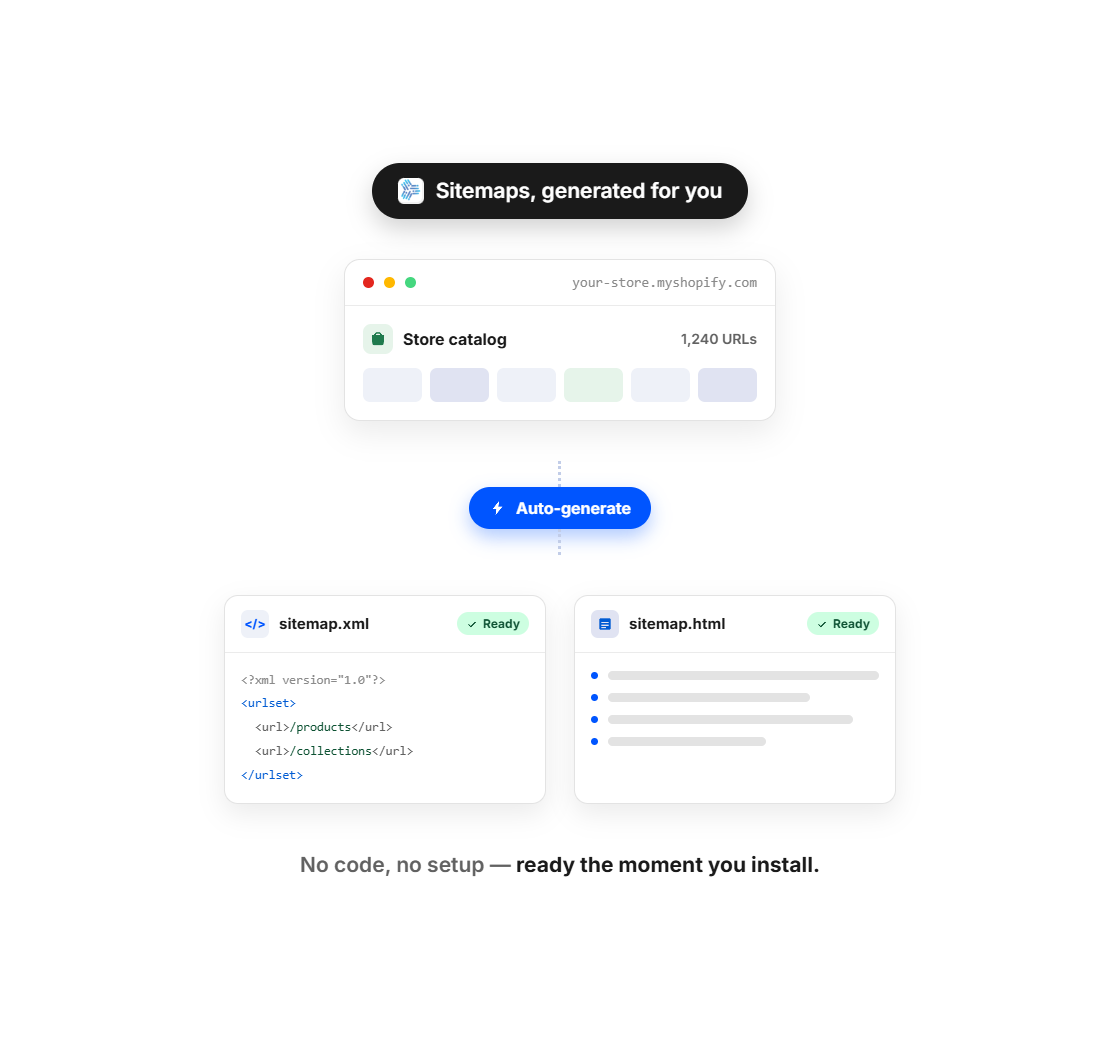
A sitemap is a file that tells search engines exactly what pages exist on your store, when they were last updated, and how important they are. Think of it as a map you hand to Google so it never gets lost on your site.
Without a well-managed sitemap, Google's crawler has to discover your pages on its own — following links from page to page, which takes time and often misses content entirely. With a sitemap, you're proactively telling Google: "Here's everything on my store. Go index it."
XML Sitemap: A behind-the-scenes file read by search engine bots (Google, Bing, Yahoo). It lists every URL on your store along with metadata. This is what gets submitted to Google Search Console.
HTML Sitemap: A real page on your store that human visitors can browse. It lists all your products, collections, pages, and blog posts — useful for large stores with deep navigation, and it strengthens your internal linking structure.
Nabu for Sitemap generates both automatically and keeps them in sync with your store at all times.
Yes, Shopify automatically generates a sitemap.xml file for every store. But it's a one-size-fits-all file you can't customize, submit, or manage. Here's what you're missing without Nabu:
Shopify's default sitemap is a starting point. Nabu turns it into a tool you can actually use to drive more organic traffic.
No developer, no code, no configuration file. Here's all it takes:
Add Nabu for Sitemap from the Shopify App Store. It takes about 30 seconds. No theme edits or code changes needed.
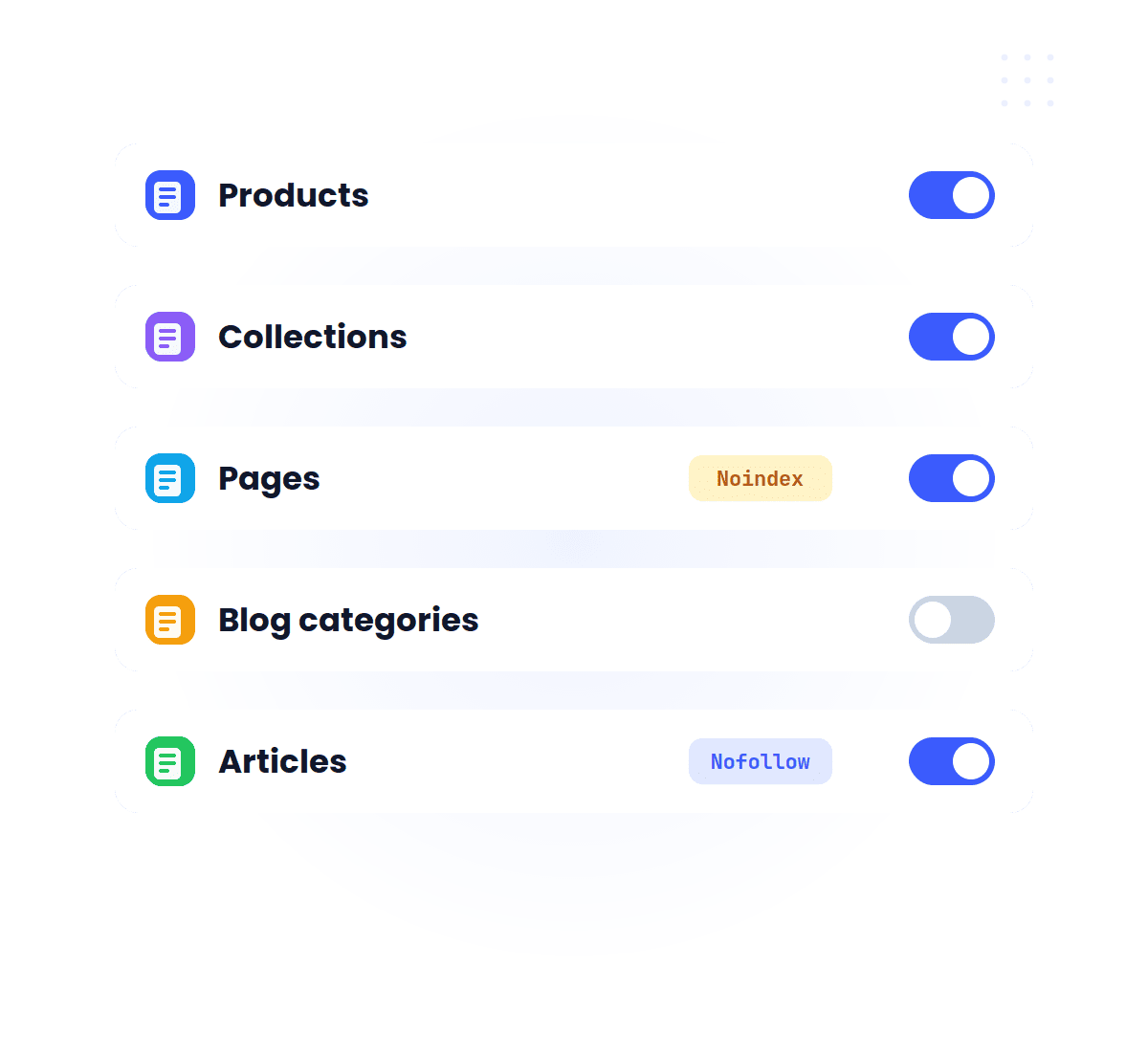
Select which content types to include — products, collections, pages, blog posts, or all of them. Exclude anything you don't want in search results.
Hit "Submit" from your dashboard and your sitemap is sent directly to Google, Bing, Yahoo, and DuckDuckGo — no third-party tools required.
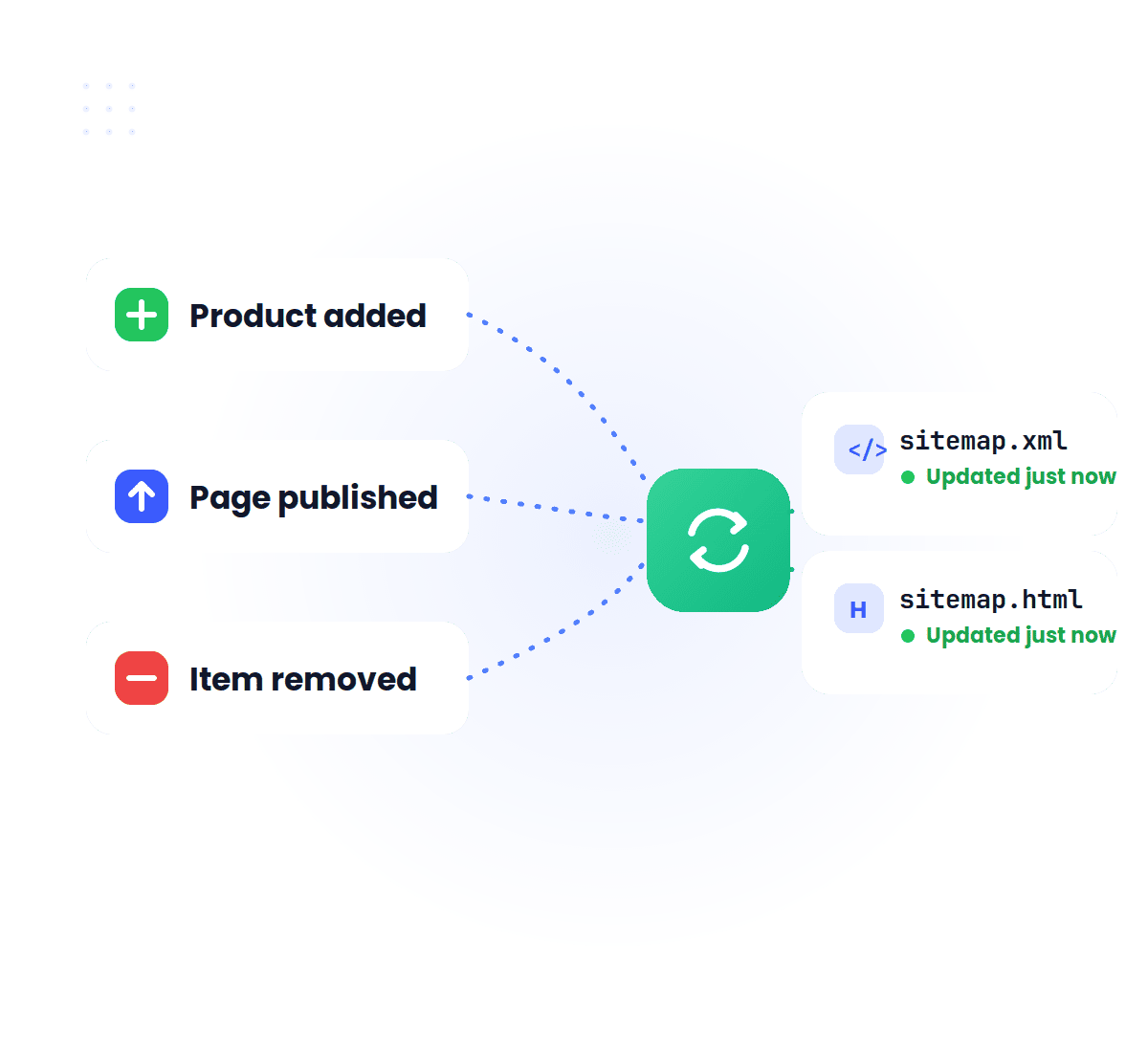
After setup, Nabu runs in the background. Every time you add a product, publish a page, or make any change to your store, your sitemap updates automatically. You never have to think about it again.
Bottom line: Install once. Stay indexed forever.
Whether you just launched or you've been running your store for years, Nabu for Sitemap fits exactly where you are.
Just launched? Google doesn't know you exist yet. Submit your sitemap on day one and get your products discovered before competitors claim your keywords.
Moved from WooCommerce, Wix, or a custom platform? Your URLs changed. Submit an updated sitemap so Google knows exactly where your content lives now — and stops crawling dead links.
The bigger your catalog, the longer it takes Google to discover everything on its own. Nabu ensures every one of your products is in the crawl queue — not just the popular ones Google stumbles on.
Publishing buying guides, blog posts, or seasonal lookbooks? Every piece of content you publish should be indexed the same day. Nabu pings search engines automatically every time you hit publish.
Filter URLs, out-of-stock variant pages, and internal search results pages can quietly hurt your SEO if they're indexed. Use Nabu's Noindex feature to clean them up in bulk — without a developer.
Expanding to new markets? Make sure every localized page and regional collection is indexed in every market you're targeting — not just your default storefront.
More pages indexed is not always better. If Google crawls and indexes thin, duplicate, or low-value pages from your store, it can drag down your overall SEO authority — making it harder for your best pages to rank.
With Nabu's Noindex feature, you can tell Google to skip specific pages — individually or in bulk — without touching a single line of code.
Products you've sold out and won't restock. No point ranking pages that can't convert.
"/collections/shoes?color=red&size=10" — these are near-duplicate pages that dilute your canonical collection page.
Your site search results are not useful to Google's visitors and often contain thin, repeated content.
Any pages you've published but aren't meant for public search visibility — drafts, developer test URLs, internal tools.
If you have 20 color variants of the same product as separate pages, only the main page should be indexed.
Black Friday or holiday sale landing pages that are no longer active. Keeping them indexed creates dead ends for search visitors.
Nabu lets you Noindex any combination of these pages individually or by content type — in minutes, from your dashboard. No developer, no meta tag edits, no theme modifications.
Your XML sitemap is for search engines. Your HTML sitemap is for people.
Nabu automatically creates a human-readable sitemap page on your store — a clean, organized list of every product, collection, page, and blog post you have. It's the perfect fallback for customers who can't find what they're looking for through your navigation or search.
An HTML sitemap isn't just a UX nicety — it's a structural SEO asset. When your sitemap page links to every page on your store, it creates direct internal links to content that might otherwise be hard for Google to reach. This is especially valuable for:
Nabu generates your HTML sitemap instantly and keeps it updated automatically. Every new product or page you publish appears in it the same day.








 MentionBird
Track your brand's AI visibility and get ranking advice
MentionBird
Track your brand's AI visibility and get ranking advice
Copyright © AdNabu Global, Inc. 2026. All rights reserved.