

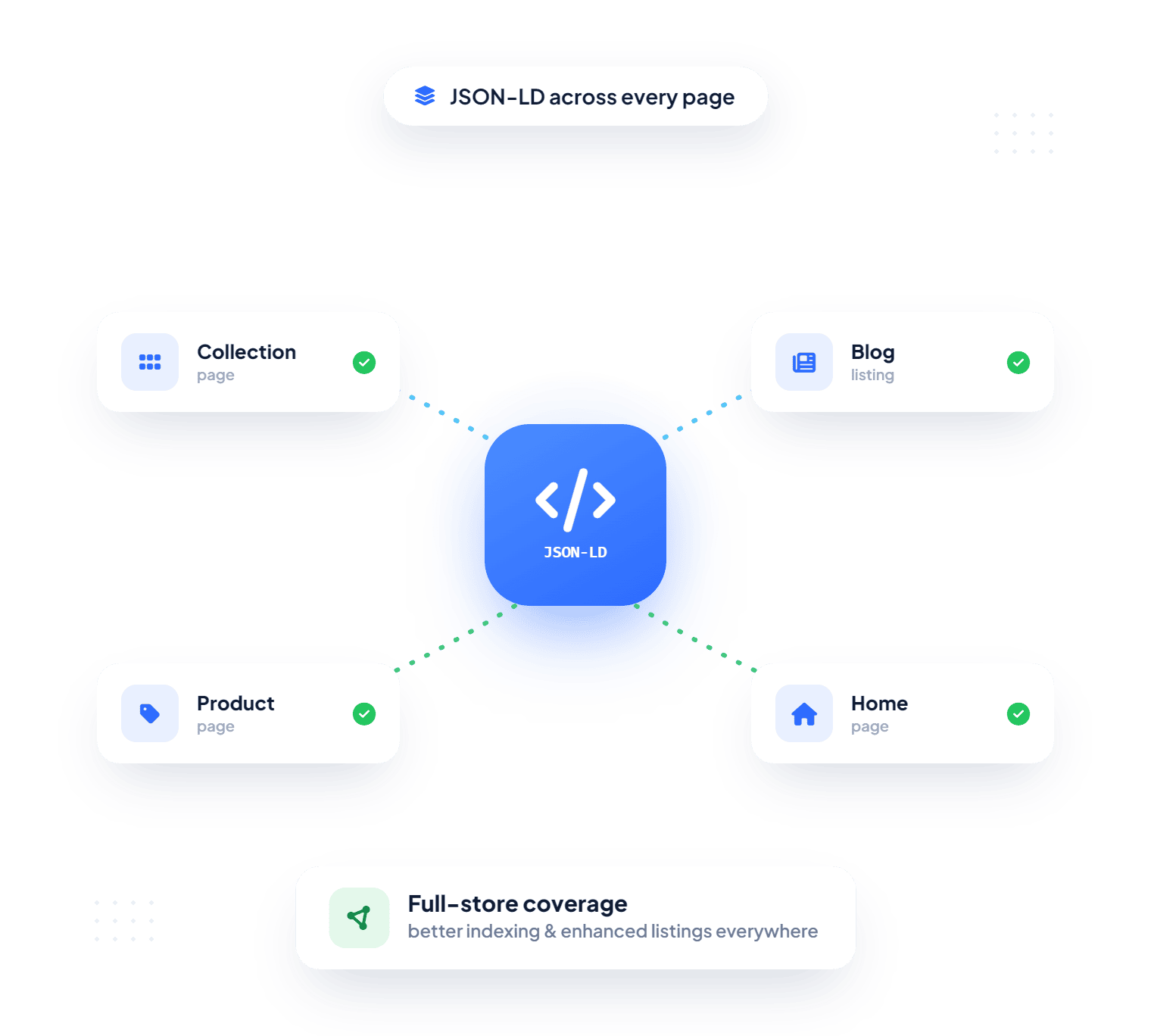
Implement structured data across products, collections, blogs, and articles to help Google understand your store, qualify for rich results, and earn higher click-through rates from organic search.


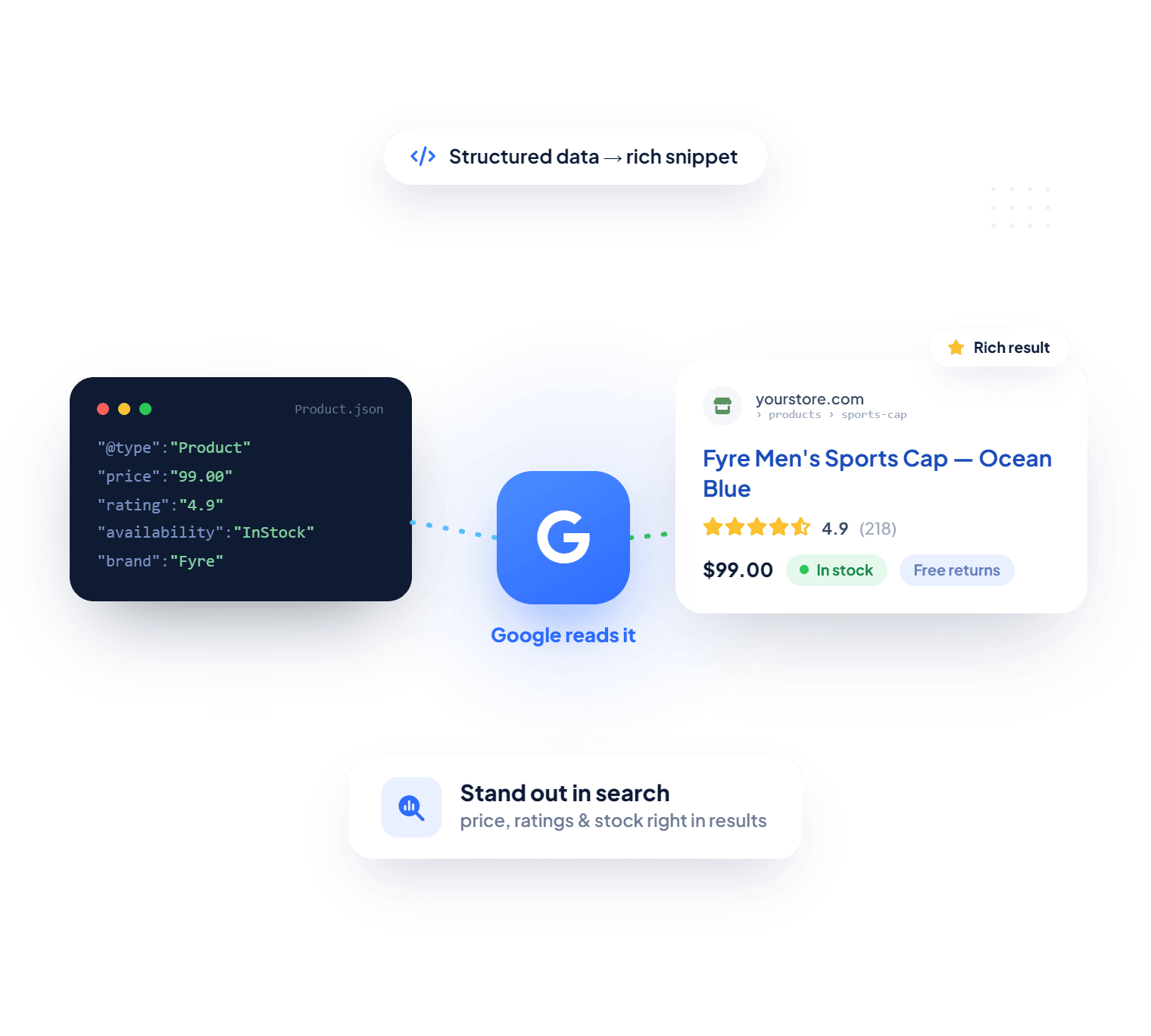
Google can read the words on a product page, but it usually has to guess which number is the price, whether the item is in stock, or who wrote a blog post. Schema markup removes that guesswork. Without it, your listings typically appear as a plain title and description, while competing stores with rich snippets show prices, availability, and breadcrumbs right in the results.
Product pages without structured data usually show up without price or stock details, which gives shoppers fewer reasons to choose your result.
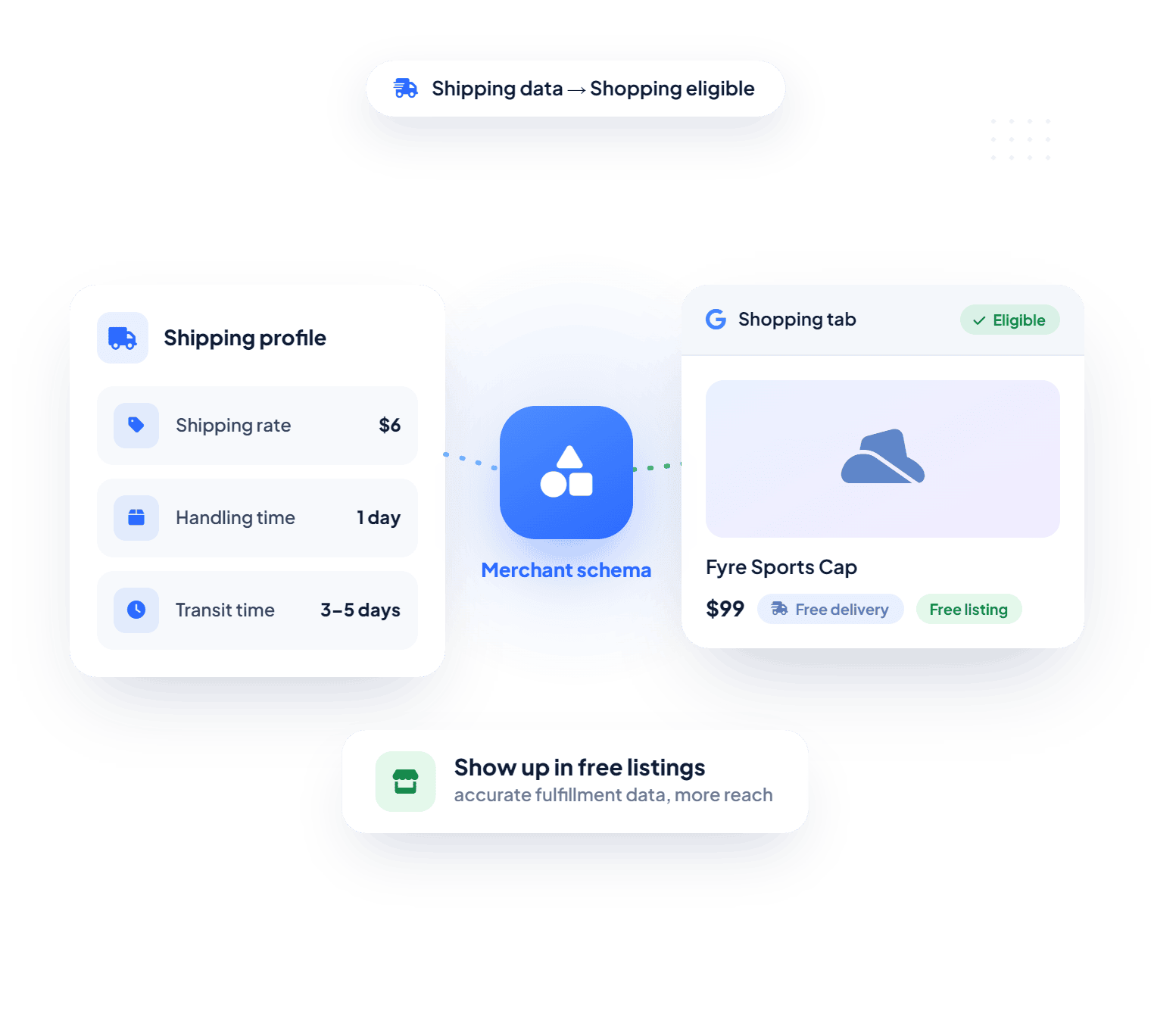
Free merchant listings generally depend on accurate pricing and shipping information. When that data is missing, your products may not qualify for those placements.
Themes and apps often add their own schema. Two blocks describing the same product can send mixed signals and lead to warnings in Google Search Console.
Writing JSON LD by hand inside theme files usually takes technical help, and the work can be lost when you switch or update your theme.
As a structured data app, carrying the prestigious "Built for Shopify" badge, Nabu Schema Pro handles all of this from one dashboard and publishes markup through an app embed block, so your theme files stay untouched.
Schema markup is code, usually written in JSON LD, that labels the details on a page: this is the product name, this is the price, this is the brand. Shoppers never see it, but search engines read it to understand what each page is about.
When Google can rely on that information, it may turn a standard listing into a rich result. That is why JSON LD for SEO has become a routine part of how Shopify stores compete in organic search, alongside helpful content and fast pages.
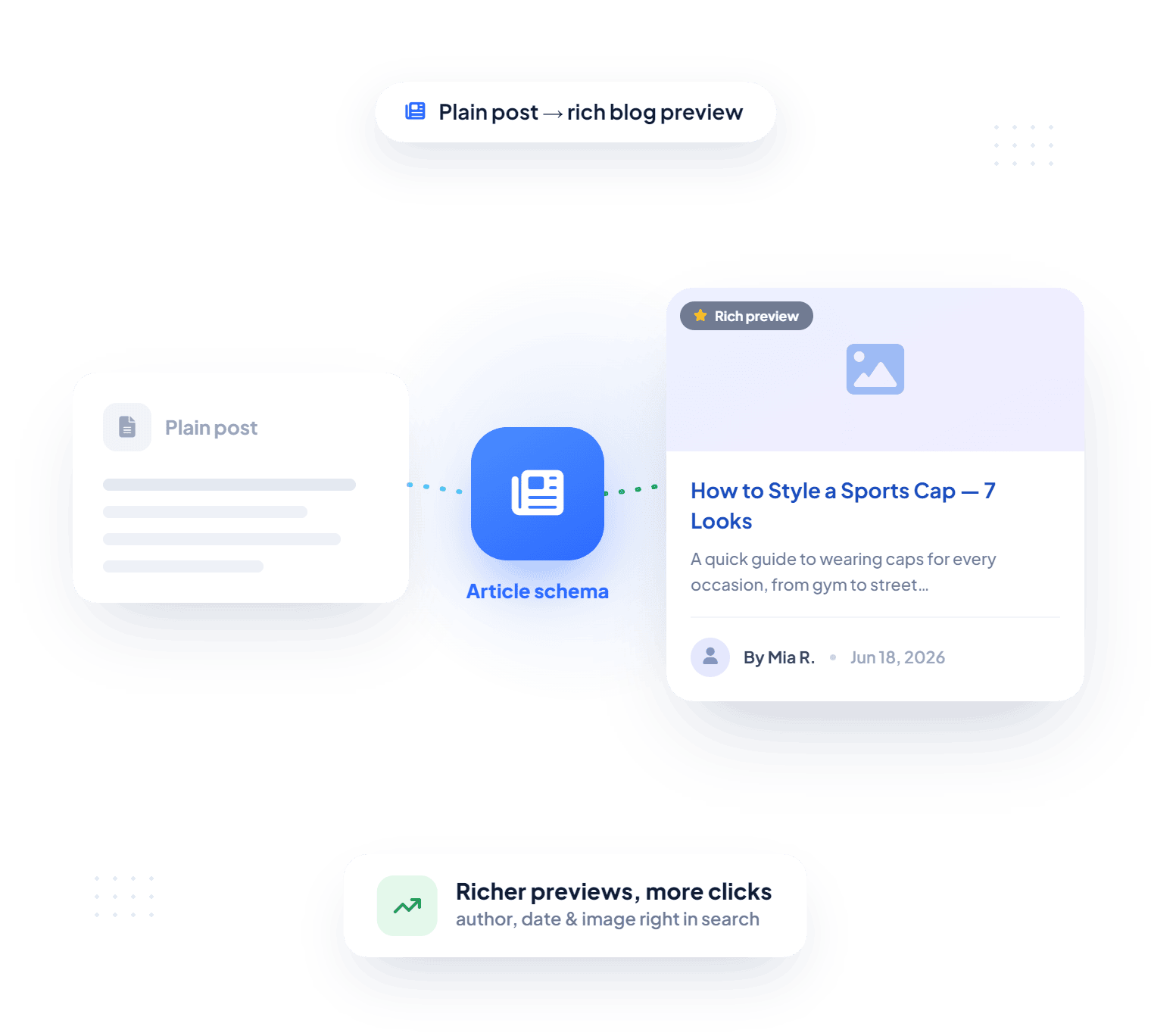
Page Level Schema: Describes one page in detail, such as a single product with its price and variants, or a blog post with its author and publish date.
Store Level Schema: Covers information that applies across many pages, such as breadcrumb paths that show how your catalog is organized and the shipping details Google uses for merchant listings.
Nabu Schema Pro covers both levels, and a Schema Coverage Meter on its home screen shows how many of the six schema types are live on your store at a glance.
Many Shopify themes include product structured data by default. However, schema coverage and customization options vary by theme. Nabu Schema Pro provides dedicated controls for managing, previewing, and validating structured data without editing code. Here's how the two compare:
Your theme offers a starting point. Nabu Schema Pro turns it into structured data you can see, adjust, and validate as your catalog grows.
Setup happens entirely inside your Shopify admin, with no developer involved. Here is the process:
Install the app from the Shopify App Store and enter your name, email, and phone number.
Open the theme editor from the app, switch Nabu Schema Pro on, and click Save. Back in the app, refresh the status until it reads Enabled, then click Done.
Switch on each schema from its tab on the home page, or click Enable Next Schema on the coverage card to activate whatever is still missing.
Settings you save generally go live on your storefront with the next page load, with no theme republishing or sync queue. If a page still looks unchanged, a hard refresh usually clears the cached version in your browser.
Bottom line: A few minutes of setup, then structured data that stays applied across your store.
The best Shopify app for schema markup is usually the one that fits how your store already sells. Here is where Nabu Schema Pro tends to help most:
Create a shipping profile for each country you ship to, so shipping cost and delivery time reach Google alongside your prices.
Include the compare at price so the original price can appear next to the sale price, helping shoppers spot the discount before they click.
Add variant names such as Large or 100ml to product titles in the schema, so each option is described clearly rather than sharing one generic name.
Mark products as always in stock, so items you produce after purchase are not shown as unavailable in search.
When your blog brings in shoppers, Article and Blog schema help search engines connect each post to your store, so guides can compete for richer listings too.
Running two schema apps usually creates duplicate markup. Remove the old one, keep Nabu Schema Pro as your single source, and confirm the cleanup with a quick rich results check.



 MentionBird
Track your brand's AI visibility and get ranking advice
MentionBird
Track your brand's AI visibility and get ranking advice
Copyright © AdNabu Global, Inc. 2026. All rights reserved.