Shape Your Shopify Store Data Into a Shopee Product Feed

AdNabu’s “Custom Feed” feature arranges your Shopify product data around Shopee’s listing fields, so your catalog is simpler to prepare for selling on Shopee.

Sell on Shopee in Southeast Asia, Taiwan, and Brazil With Your Shopify Products

Shopee recorded 4.5 billion gross orders in Q3 2026, according to its parent company, Sea Limited. Put the products you already manage in Shopify in front of the shoppers behind those orders.

Built For Shopify

Match Shopify Product Data to Shopee’s Mass Upload Template

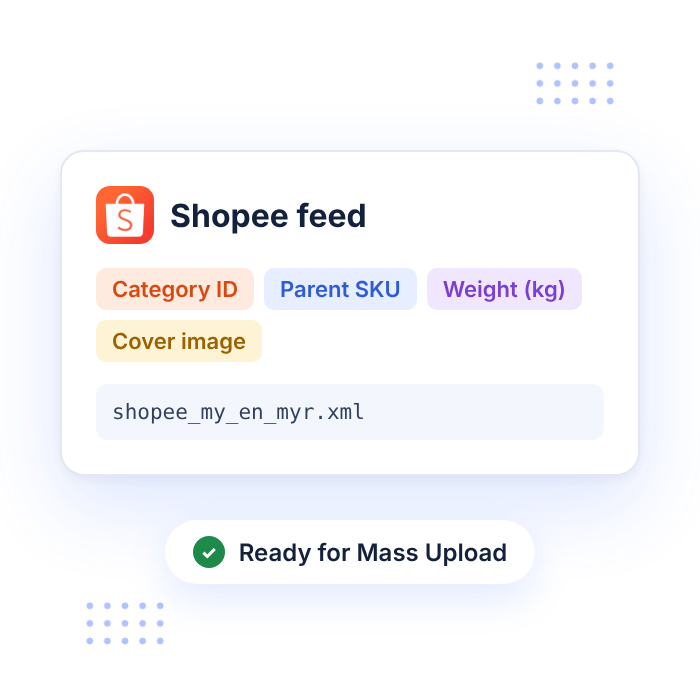
  • Store each product’s Shopee Category ID in a Shopify metafield and map it with Product Name and Product Description, since the category decides where a listing sits and which attributes Shopee asks for later.
  • Send a Parent SKU for every listing and a separate SKU for each variant. Variants of one product share the same Parent SKU and Product Name, with Shopify options feeding variation names and values such as Color: Red or Size: M.
  • Pass Weight in kilograms as a plain number, such as 0.2, plus Length, Width, and Height in centimeters, because Shopee typically uses these values to work out shipping fees.
  • Send Shopify price and inventory to the Price and Stock columns. Shopee accepts up to two decimal places for price and whole numbers for stock, with stock counted per variation. Then turn on at least one Delivery Channel for every item, which you can usually set once as a static value for the whole feed.

Give Shopee Shoppers Clearer Product Names With AdNabu AI

  • Have AdNabu’s AI, backed by the latest GPT models, rework product names and descriptions, then place the new versions in your Shopee feed as AdNabu fields.
  • Leave Automated AdNabu AI on to keep refining product data in the background, using your allocated AI credits.
  • Check Google Keyword Planner suggestions for relevant terms, and keep names centered on brand and model as Shopee advises, since listings padded with unrelated keywords may be removed.
  • Bulk edit names, descriptions, and product types across products and variants at once, and route the changes into your Shopee feed.
Advertise Globally With Localized Feeds
Advanced Feed Optimization

Take Your Feed Into Shopee Seller Centre

  • Shopee generally adds new products in bulk through Mass Upload in Seller Centre, using an Excel template that sellers download, fill in, and upload.
  • Authorized ERP and multichannel tools can also create listings through the Shopee Open Platform API after you grant them access to your shop.
  • Use your AdNabu XML feed URL or downloaded XML file as the source for Shopee’s template with a spreadsheet tool, or pass it to a feed management platform that submits products to Shopee.
  • Run a sync in AdNabu after Shopify price or stock changes, so every new upload begins with current data.

Grow Listing Visibility With Shopee Ads

  • Product Ads (Search) can push your items toward the top of search results when shoppers enter keywords related to what you sell.
  • Product Ads (Discovery) place products in browsing spots such as Daily Discover on the homepage and You May Also Like sections below related product pages.
  • Shop Ads feature your shop name, ad image, tagline, voucher, and relevant products above search results, while GMV Max works toward a target ROAS across broader traffic.
  • Live Ads can widen the reach of your Shopee Live streams, and campaigns are managed in Shopee’s own seller tools, separately from AdNabu.
Seamless Shopify-Native Data Support
Up-to-date Feeds for TikTok

Pair Shopee With Google Shopping and 2,000+ Channels Across Regions in One App

  • Set up custom feeds for over 2,000 marketplaces and sales channels, each following its own field list.
  • Run your Shopee feed next to Asian and Latin American marketplaces such as Rakuten, AliExpress, and Mercado Libre while Google Merchant Center stays synced.
  • Manage Bing, Facebook, Instagram, TikTok, Pinterest, Snapchat, and X feeds from the same account.
  • AdNabu holds Shopify’s “Built for Shopify” recognition, awarded to apps that meet its standards for performance, design, and merchant helpfulness.
HAPPY CUSTOMERS

See why our customers love us.

Stars

Easy to setup!

So far the app has been incredible easy to setup and customer service superb. This will make so much difference to our advertising abroad!

Le Club

Canada
Stars

The Absolute Best!

They went above and beyond to get my product listed and running on Google. I have tried for years and no one could help me, until I got the Adnabu app!

Millevita

Australia
Stars

Great App!

Able to change title listing is a major plus to help with SEO on Google Shopping, much better than the native shopify integration!

United States

Blade-Tech Holsters

Stars

24/7 for support!

What an amazing team of people at this company. It seems as if there are around 24/7 for support! Great app, great support, and great documentation which helps a lot.a placeholder text to demonstrate the visual.

Classic Horror Shop

United States
Stars

Really nice job!

I've been using the app for a while now and I still love its simplicity. Thanks to the app, I was able to get all my products approved. The app saved me a lot of time and, above all, nerves. Really nice job!

RoTe Place

Australia

Frequently Asked Questions

Take the First Step Toward Your Shopee Launch

Install AdNabu, set up a Shopee feed, and stop retyping product details into listing spreadsheets.